Learn ABC
through play.
Big, bright flashcards, letter tracing, a friendly Find it game and counting to 10 — every word spoken in a warm, cheerful voice. Made for little hands aged 2 to 5.
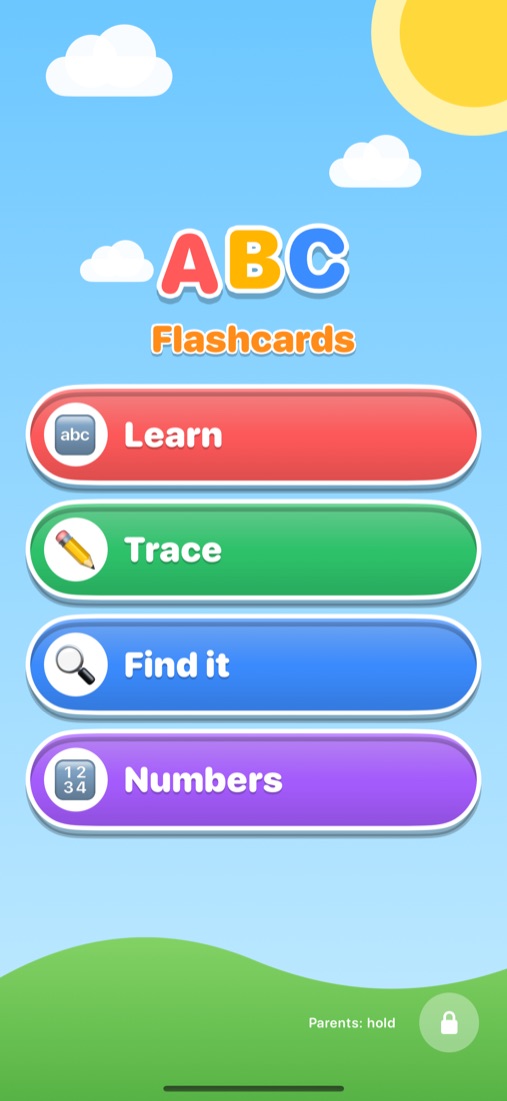
Four ways to play and learn.
Simple enough for a two-year-old to explore alone, with no reading needed — every card and question is spoken aloud.
ABC flashcards
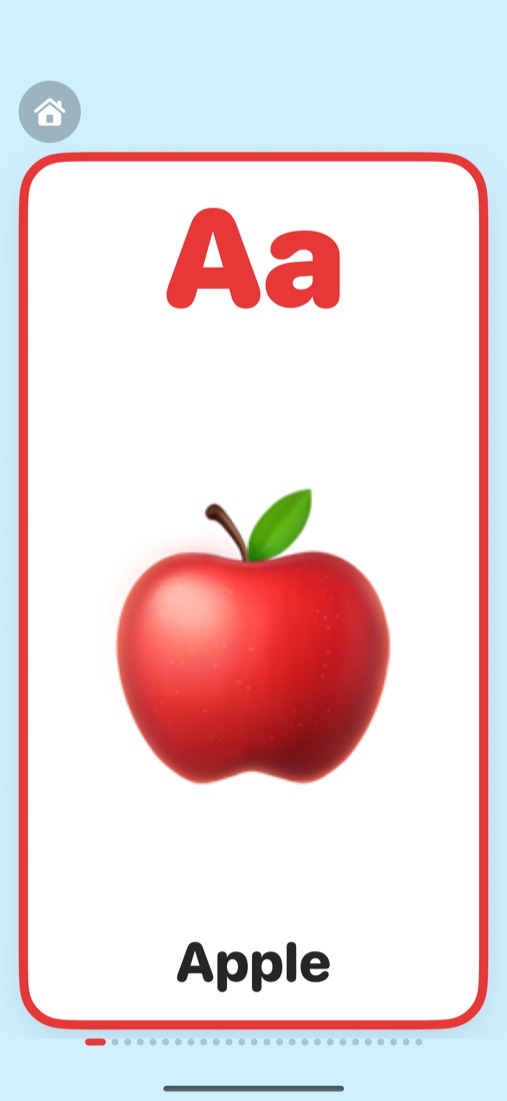
26 big cards from A for Apple to Z, with uppercase and lowercase letters. Tap to hear, swipe for the next one.
Letter tracing
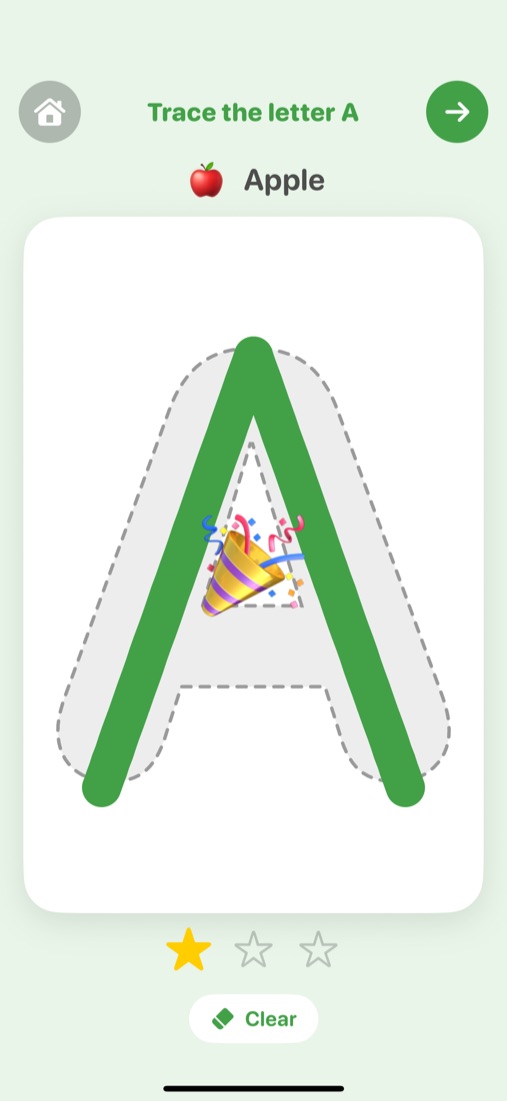
Trace every letter from A to Z with a finger — and earn stars and cheers for each one.
Find it — 10 themes
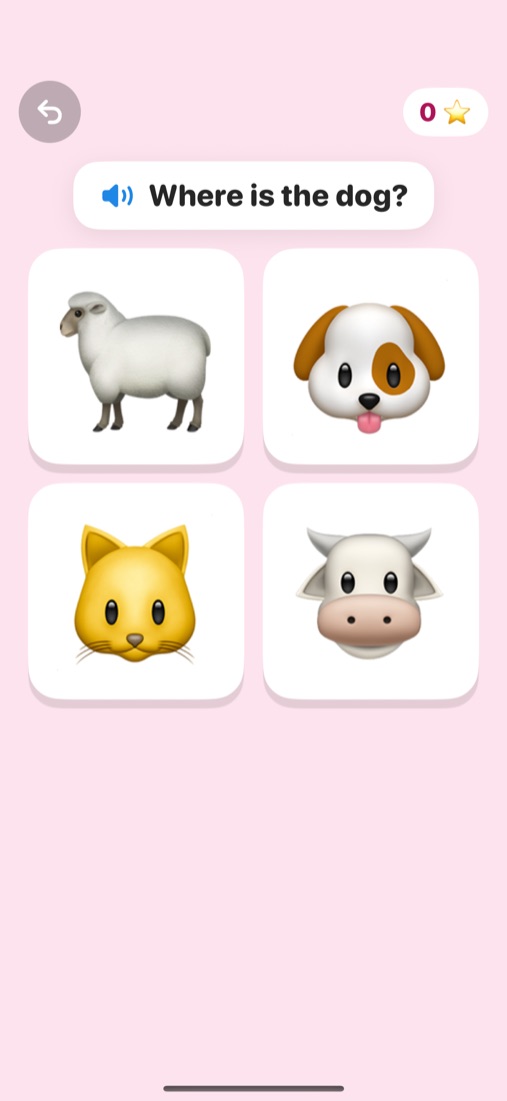
"Where is the dog?" Tap the right picture out of four. ABC plus 10 themes, from Animals to Toys.
Counting 1–10
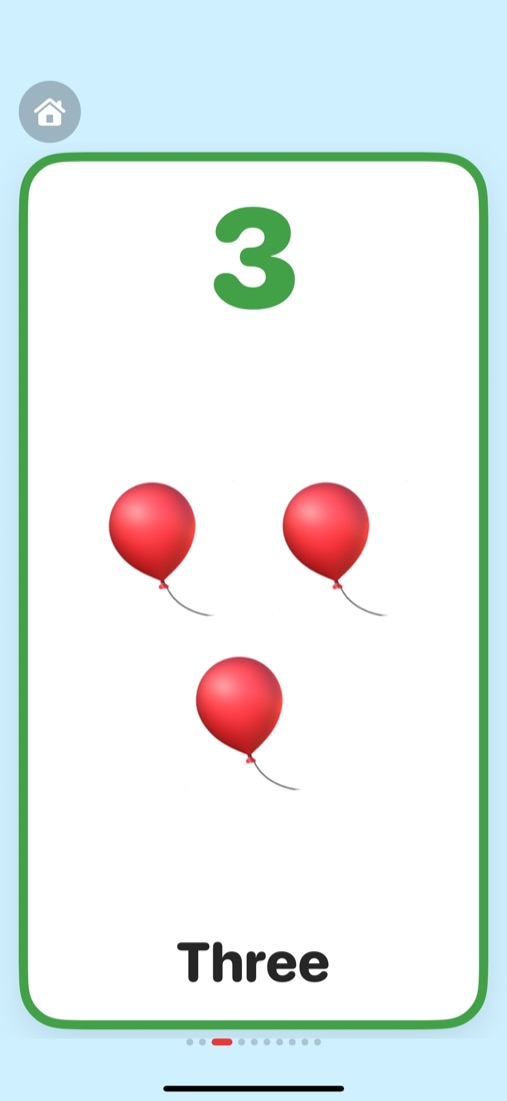
One apple, two ducks, three balloons… count along from 1 to 10.
A real, friendly voice
Every word and prompt is a warm, cheerful recording built into the app — with a slower voice option.
Safe for little ones
No ads, no tracking, no account. Works fully offline, and settings sit behind a parent lock.
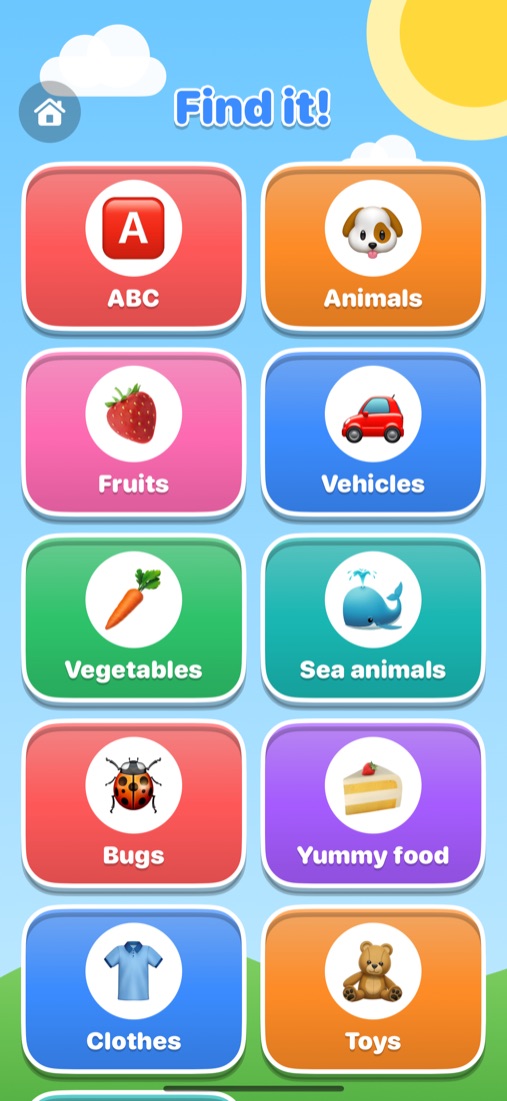
Find it: 11 sets to explore
Five quick rounds, a picture to find each time, and stars at the end.
- ABC
- Animals
- Fruits
- Vehicles
- Vegetables
- Sea animals
- Bugs
- Yummy food
- Clothes
- Toys
- Nature
Tap, trace and count.
Big targets, bright colours and lots of cheering.
Safe and private, by design
Hand it over with peace of mind.
- No ads, no in-app purchases and no tracking of any kind.
- No account or sign-up, and no personal information collected.
- Works fully offline — every picture and voice clip is built in.
- Parent settings open only after you press and hold the lock for 3 seconds and answer a quick grown-up question.
- Choose hands-free mode, a slower voice or sound off in parent settings.